
PayPay is one of the most common ways to pay in Japan using your smartphone.
Registration is usually quick, but it can feel confusing if you are not comfortable with Japanese menus.
This guide explains what you need, how to register step by step, and what to do if verification fails.
What You Need Before You Register
PayPay registration requires a smartphone that can receive an SMS verification code or complete phone number verification.
In most cases, you also need a Japanese mobile number under your name or at least one that can reliably receive SMS.
If you plan to use more features, you should also be ready for identity verification later.
That step may require Japanese ID documents or residence-related documents, depending on your status in Japan.
Step 1: Install the PayPay App and Start Registration
Open your app store and install the official PayPay app. Once the app opens, tap the option to start registration.
The app will guide you through the flow, but your first decision is the registration method.
PayPay supports multiple registration patterns, depending on what accounts you already use.
Register with your mobile phone number, Yahoo! JAPAN ID, SoftBank, Y!mobile, LINEMO, or link through a Google account or Apple account.
Step 2: Complete Phone Number Verification
Phone verification is a key step because PayPay uses it to confirm you control the number.
In many cases, you will receive an SMS code that you enter in the app. In other cases, the app may complete a short automated phone verification flow.
If your device cannot receive the SMS for technical reasons, PayPay provides alternate steps inside the verification screen depending on your situation.
Your goal is the same: complete verification so the account can be created and secured.
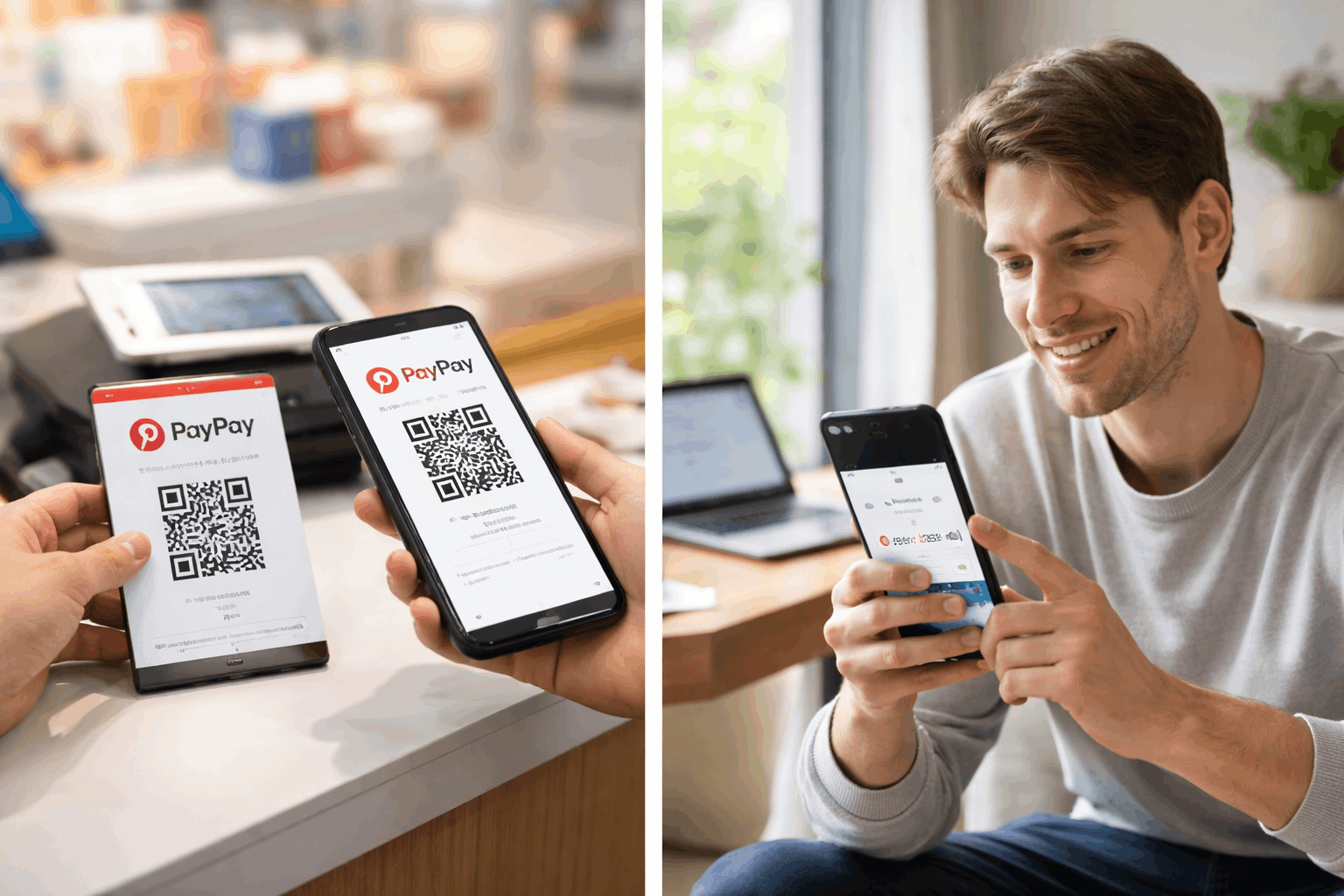
Step 3: Set a Password and Basic Security
After verification, set your password or confirm the account link you selected.
You should also turn on the strongest security you can use on your device. Use screen lock, keep your phone updated, and avoid sharing verification codes.
PayPay also warns users about phishing, especially when unexpected SMS messages arrive.
Treat any message asking you to “log in” or “confirm details” with caution, and take action only within the official app.
Common Registration Problems and How to Fix Them
You can register PayPay without doing identity verification immediately, but verification can unlock more features.
If the SMS Code Does Not Arrive
First, confirm you entered the correct phone number. Next, check your phone’s SMS settings, spam filters, and whether your plan blocks certain messages.
If you recently changed your phone number, you may need to complete a phone number update process before verification will work properly.
If the Code Arrives but Won’t Verify
Sometimes the code expires, or you entered an old one. Request a new code and use the most recent message.
PayPay also limits how many times you can request SMS codes in a day, so repeated attempts can trigger a temporary lockout.
If You Think Someone Is Trying to Access Your Account
If you receive verification codes you did not request, treat it as a possible security incident. Do not share the code with anyone.
Contact PayPay support and review your account activity as soon as you can.
Step 4: Add Money and Make Your First Payment
Once your account is registered, you can start using PayPay for daily payments.
Many users begin by adding money to their PayPay balance or setting up a payment method.
The exact options you see can depend on your account settings and whether you completed identity verification.
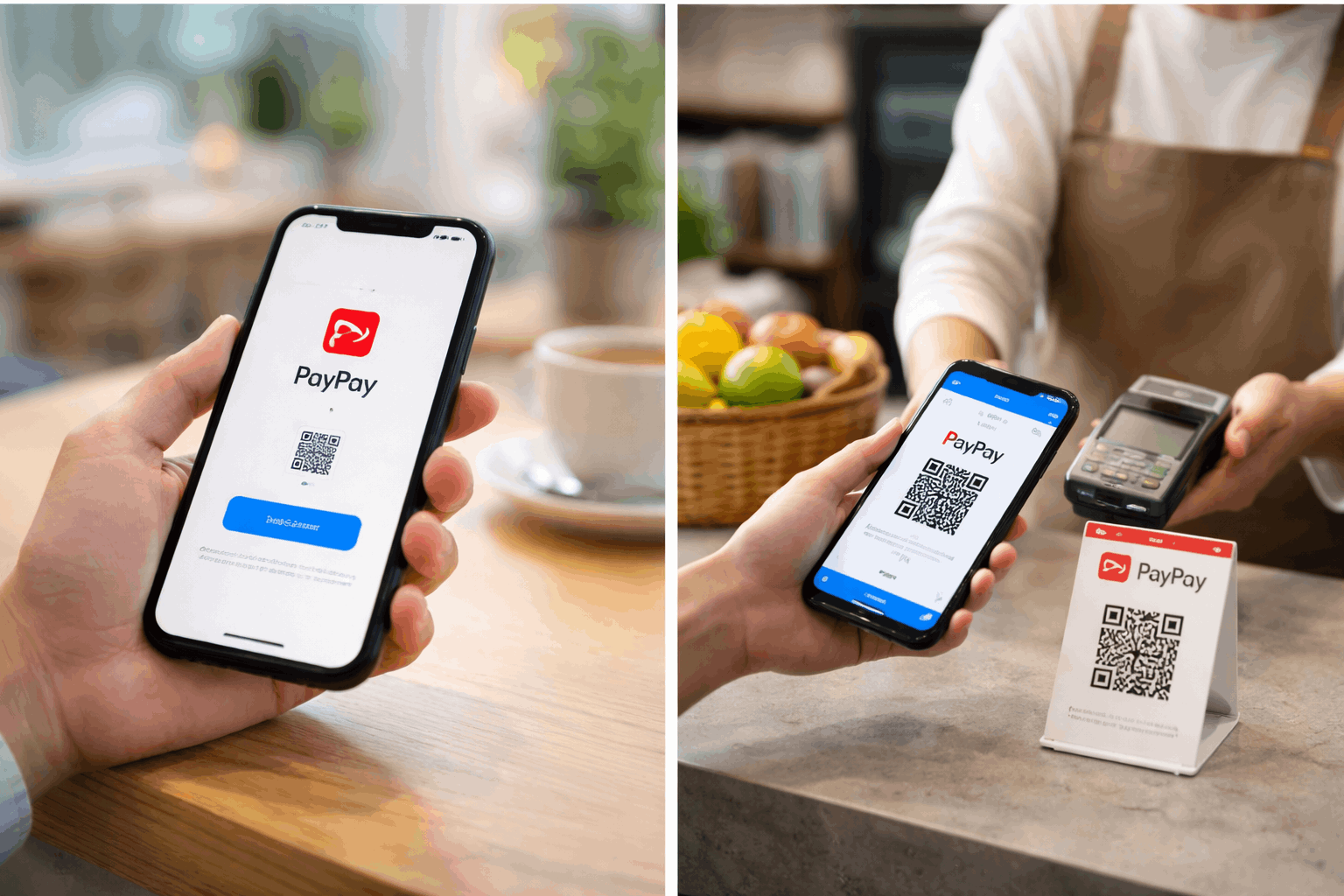
PayPay is used in stores, restaurants, and online checkouts across Japan. Your first purchase is a good time to confirm your settings.
Step 5: Identity Verification and Why It Matters
Identity verification may be required for higher limits, certain transfers, or deeper account functions, depending on how you plan to use the service.
PayPay’s eKYC commonly accepts documents such as a My Number Card, driver’s license, and driving record certificate.
When doing eKYC, follow the instructions carefully and match your personal details exactly.
Most failures come from unclear photos, mismatched address formatting, or differences in name spelling.
Optional: Linking Yahoo! JAPAN ID
Linking a Yahoo! JAPAN ID can be useful if you use Yahoo services or want smoother integration with related features.
The app typically places this under an account or external services section.
If you do not use Yahoo services, you can skip this step and still use PayPay normally.
Interest Rates: When They Apply and When They Don’t
PayPay itself is a payment app, so simple PayPay balance payments do not work like a loan.
However, interest rates matter if you use PayPay Card features such as revolving payments, installments, or cashing.
Here are key PayPay Card rates that are commonly shown in PayPay Card service information:
- Revolving payments (リボ払い): effective annual rate 18.0%.
- Installments (分割払い): effective annual rate 18.0% (rates shown by PayPay Card for installment plans).
- Cashing (キャッシング): loan rate 18.0%, and PayPay Card also notes conditions where the rate can be 15.0% when total borrowing across contracts reaches a specified threshold.
- Late charges for cashing: effective annual rate 20.0% (listed in PayPay Card cashing details).
If you are not sure which PayPay payment mode you are using, check your payment settings inside the app.
If you want to avoid interest, stick to balance-based payments and confirm you are not using revolving or installment options.
Contact Details: Phone Numbers and Addresses
Use these contacts if you need help during registration, account access issues, or payment problems.
PayPay (app/service support)
Phone: 0120-990-634
Hours: 24 hours / 365 days (Japanese language support noted)
PayPay Card (credit-related support)
Phone: 0570-02-8181
Hours: automated reception 24 hours / 365 days; operator support is typically 9:30 to 17:30 (excluding year-end and New Year period)
PayPay Corporation (company address)
Headquarters: YOTSUYA TOWER 1-6-1, Yotsuya, Shinjuku-ku, Tokyo 160-0004, Japan
PayPay Bank (bank address and customer center)
Address: Tokyo-to, Shinjuku-ku, Yotsuya 1-6-1
Customer center phone: 0120-369-074 (hours commonly listed as 9:00 to 17:00, excluding certain holiday periods)
Conclusion: Register with Confidence and Stay Secure
PayPay registration is mainly about completing phone verification and securing your account properly.
If you prepare your Japanese phone number and documents early, you can avoid most registration problems.
Identity verification is worth doing if you want broader features and smoother use over time.
Disclaimer: This guide is for informational purposes and does not replace official instructions inside the PayPay app. Fees, limits, required documents, and interest rates can change, so you should confirm the latest terms in the official PayPay and PayPay Card information screens. If you are unsure about your account status or charges, contact official support using the numbers listed above.