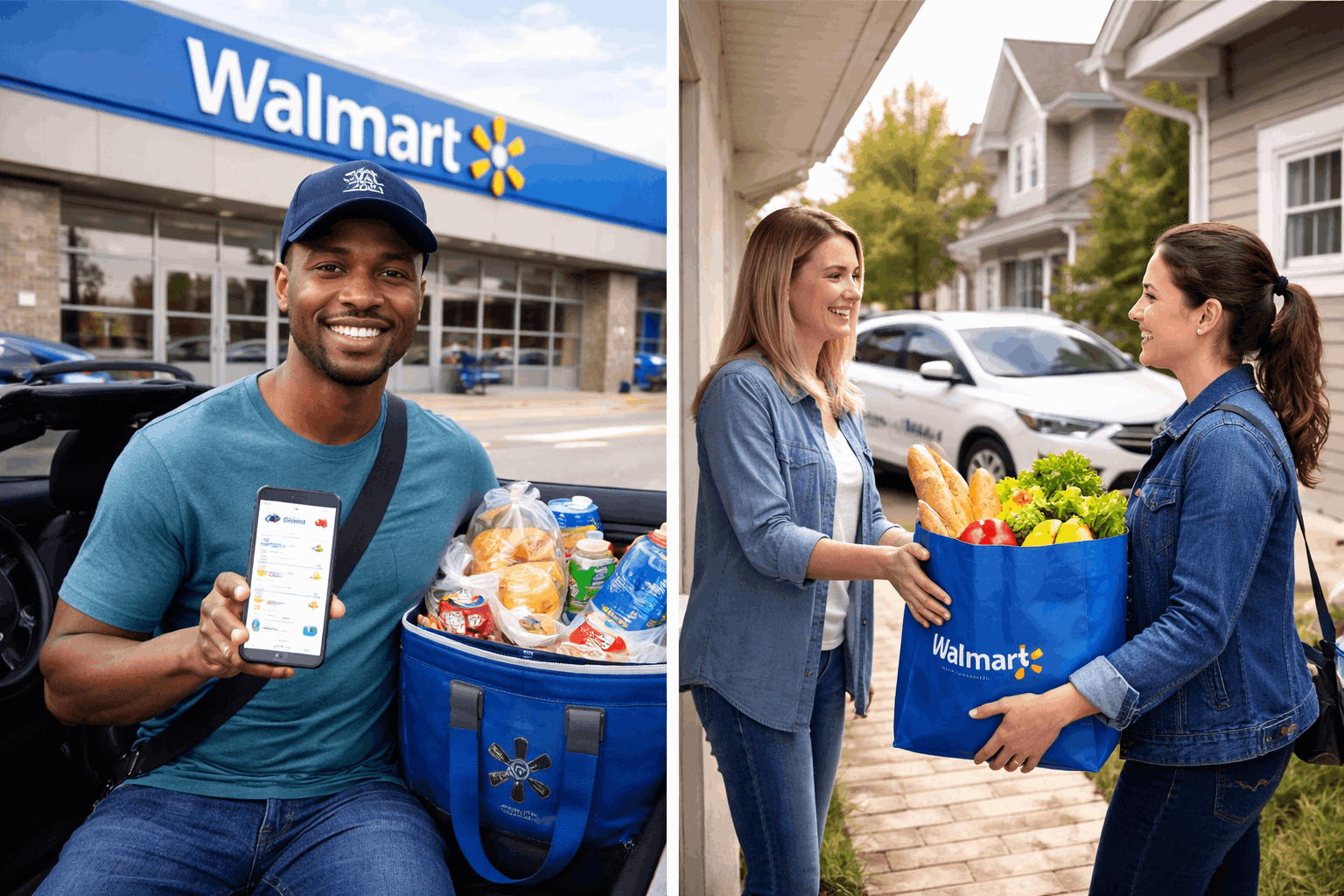
Walmar Spark Driver platform is one way independent contractors can deliver orders for Walmart customers using the app.
Registration is handled through the website or app, and approval can depend on whether your local delivery “zone” is accepting new drivers.
What the Spark Driver Platform Is
Spark describes drivers as independent contractors who can choose whether to accept an offer, and it says you may drive for other delivery apps.
Offers appear after you turn on “Spark Now,” and each offer shows key details like the order type, pickup, and delivery timeframe.
Spark also frames delivery work around “zones,” geographic areas you select during enrollment that you can later change in the app.
If the zone you want is full, it will temporarily not add new drivers in that area and will notify you by SMS when openings become available.
Eligibility and Basic Requirements to Check First
Before starting the Walmart Spark driver application, Spark’s official FAQs and help articles list several qualifications drivers must meet.
These include being an authorized independent contractor, providing identity information (including SSN), and having a valid driver’s license.
Spark also requires proof of valid auto insurance for each vehicle you’ll use, a bank account you can link, and a “clean and reliable vehicle”.
On the tech side, Spark states the app requires a mobile device with camera/flash/GPS capabilities, and it specifies iOS or Android 11 or newer.
How to Become a Walmart Spark Driver
Download the app from the App Store/Google Play, or begin online at Spark’s enrollment page.
Here’s the enrollment path Spark outlines:
- Start sign-up (app or web). Begin in the mobile app or on Spark’s enrollment website and enter the email address you want to use.
- Create your account. Spark’s guide lists account fields such as first name, last name, phone number, and password, then a verification code is sent to your mobile number.
- Confirm eligibility prompts. Spark says the app will guide you through prompts to confirm you meet the requirements to drive on the platform.
- Choose a zone by ZIP code. You’ll enter a ZIP code to view available delivery zones. Spark notes that once you select a zone, it cannot be changed until you’re approved and have completed a minimum of three deliveries.
- Enter personal information for verification. Spark says you’ll be asked for details like legal name, home address, SSN, date of birth, and driver’s license details, and you’ll sign required documents (including a dispute resolution agreement). Spark also notes that pre-screening does not guarantee approval and that enrollment decisions are communicated in the app.
- Upload auto insurance and take a selfie. Spark collects proof of valid auto insurance during enrollment and gives format guidance for uploads. The selfie you submit becomes your profile photo and may be seen by Walmart associates and customers, according to Spark.
- Link your earnings method when available. Spark says that once you are no longer on a waitlist (if applicable), you can set up earnings by applying for OnePay Cash or linking a banking account, and that an earnings account must be linked to a drive.
Background Checks, Waitlists, and Approval Timelines
Background screening may be conducted, including motor vehicle records and criminal background checks.
Background check results are typically available within 1–7 business days, though timing can vary by state and county processes.
For overall approval timing, Spark does not promise a fixed date.
It says it cannot predict when you will be given access to “Spark Now,” and notes that after you are removed from the waitlist, you must sign a contract.
Walmart Spark Driver Pay
Earning opportunities include trip earnings, tips, and incentives, and each offers an estimated amount you will receive for the delivery.
Earnings are calculated based on “a variety of factors,” including distance, estimated time to the drop-off location, order size, and extras.
Tips are not always instant: Spark says customers can adjust tips after delivery, and “Confirmed Tips” generally appear after processing.
On payout methods, Spark says confirmed earnings are sent to your primary earnings account, and you can choose OnePay Cash or direct deposit.
Walmart Spark Driver Support
A Spark Driver support bot is available 24/7 in the app, accessed through Help and “CHAT NOW,” and you may see an option to chat with a chat agent.
For delivery-specific issues, Spark also directs drivers to report problems in the app (for example, via a “Report Issue” option tied to a trip).
Spark describes how it communicates updates: in-app notifications, text messages (including an SMS shortcode it lists as 32093).
This matters because scam messages often imitate gig platforms, so matching the channel to Spark’s official guidance is a simple safety check.
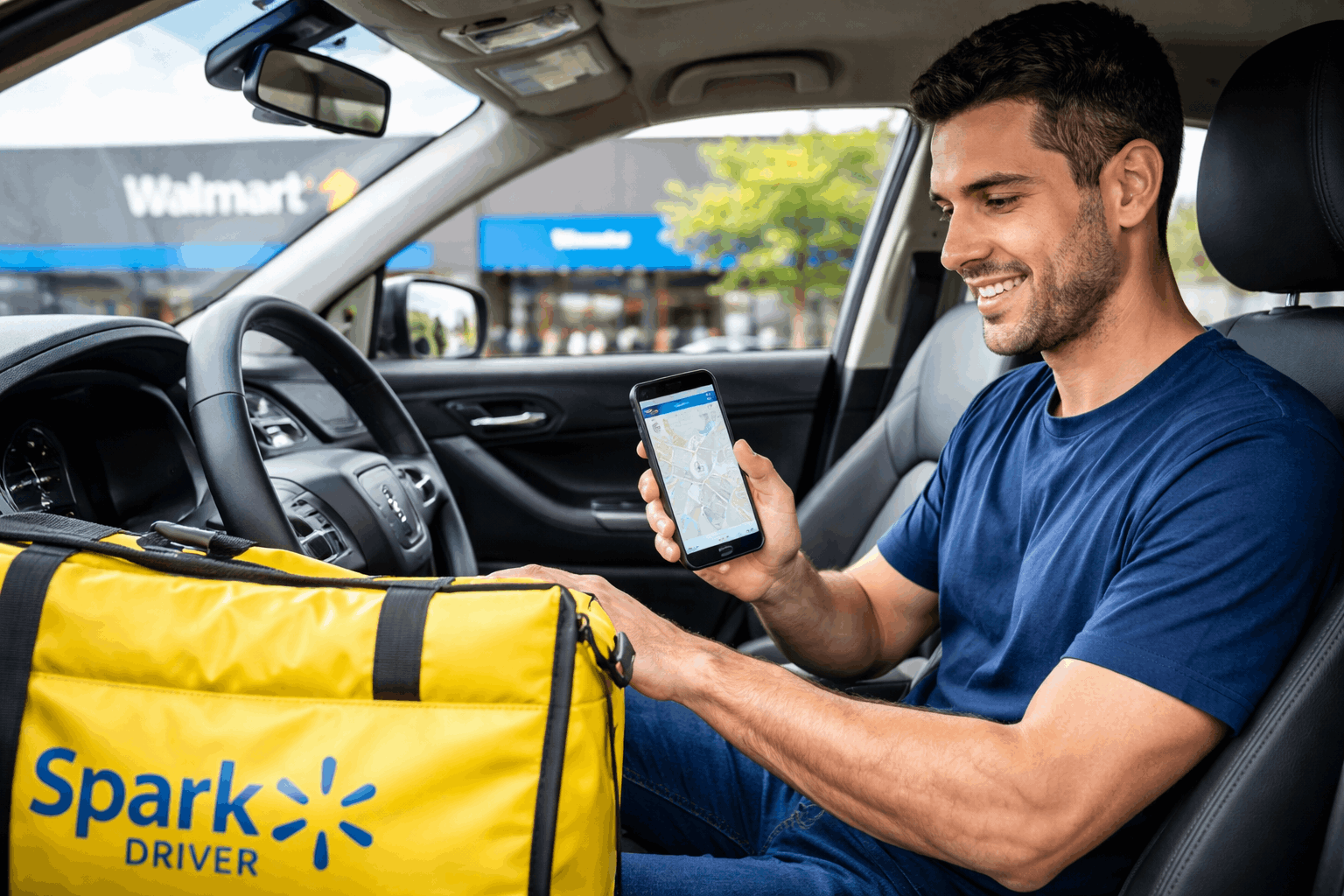
Spark Driver vs Other US Gig Platforms
You might choose Spark because it lets you work as an independent contractor and accept offers on your own schedule.
| Platform | How scheduling works | How earnings are described | Support (typical) |
|---|---|---|---|
| Spark Driver (Walmart) | Turn on Spark Now to receive offers in your zone; you can accept or reject offers; offers aren’t guaranteed | Offer-based earnings shown in-app; tips may apply depending on offer | In-app support paths and HelpDocs guidance |
| DoorDash | Use Dash Now (when available) and/or schedule dashes in advance | Base pay + 100% of tips + promotions (DoorDash describes these components publicly) | In-app help + Dasher help center |
| Uber Eats (Uber) | In most places you go online when you want; in some regulated markets (example: NYC) there’s a Planner to reserve times | Uber describes earnings as including fares/earnings + promotions + tips (structure varies by market) | In-app help; Uber help center |
| Instacart | Go online and choose batches you want to complete; availability varies by area | Instacart describes batch earnings and tips as part of total earnings (varies per batch) | In-app support + shopper resources |
| Amazon Flex | Choose delivery “blocks/offers” from the app; schedule ahead or take same-day offers | Amazon describes estimated earnings per block/offer; some blocks may be tip-eligible | In-app Driver Support; Amazon also describes live chat support options |
| Shipt | Offers vary by market; shoppers select/claim available work in the shopper app | Shipt describes offer pay plus 100% of tips, with bonus potential | Shipt describes phone, email, and live chat support options |
| Grubhub | Availability varies by market; delivery partners generally toggle available and accept offers | Grubhub describes earnings as including delivery pay, tips, and possible bonuses | Driver support/help center resources |
Conclusion
The Spark Driver program is built around zone availability, identity and eligibility verification, and in-app offer acceptance.
If your zone is full, Spark treats it as a waitlist situation and says it will notify you by SMS when openings appear.
Pay is presented per-offer inside the app, with earnings shaped by factors like distance, time, order size, and extras.