The Lidl Plus card is a digital loyalty card inside the Lidl Plus app.
You scan it at checkout to connect your purchases to your Lidl Plus account so coupons, offers, and digital receipts can apply where available.
This article explains how to activate it, how to use it correctly in-store, and what to do when something does not work.
What the Lidl Plus Card is
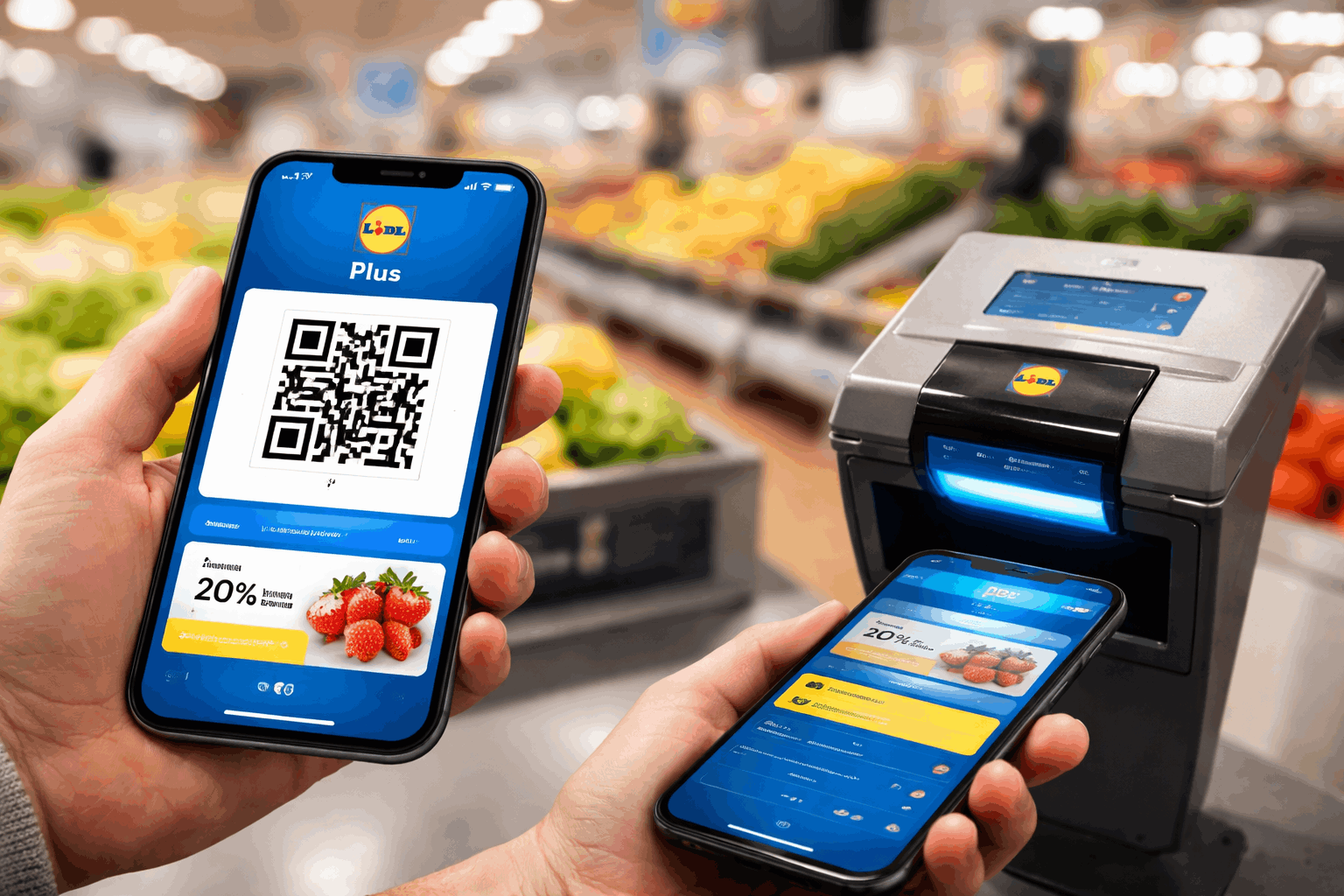
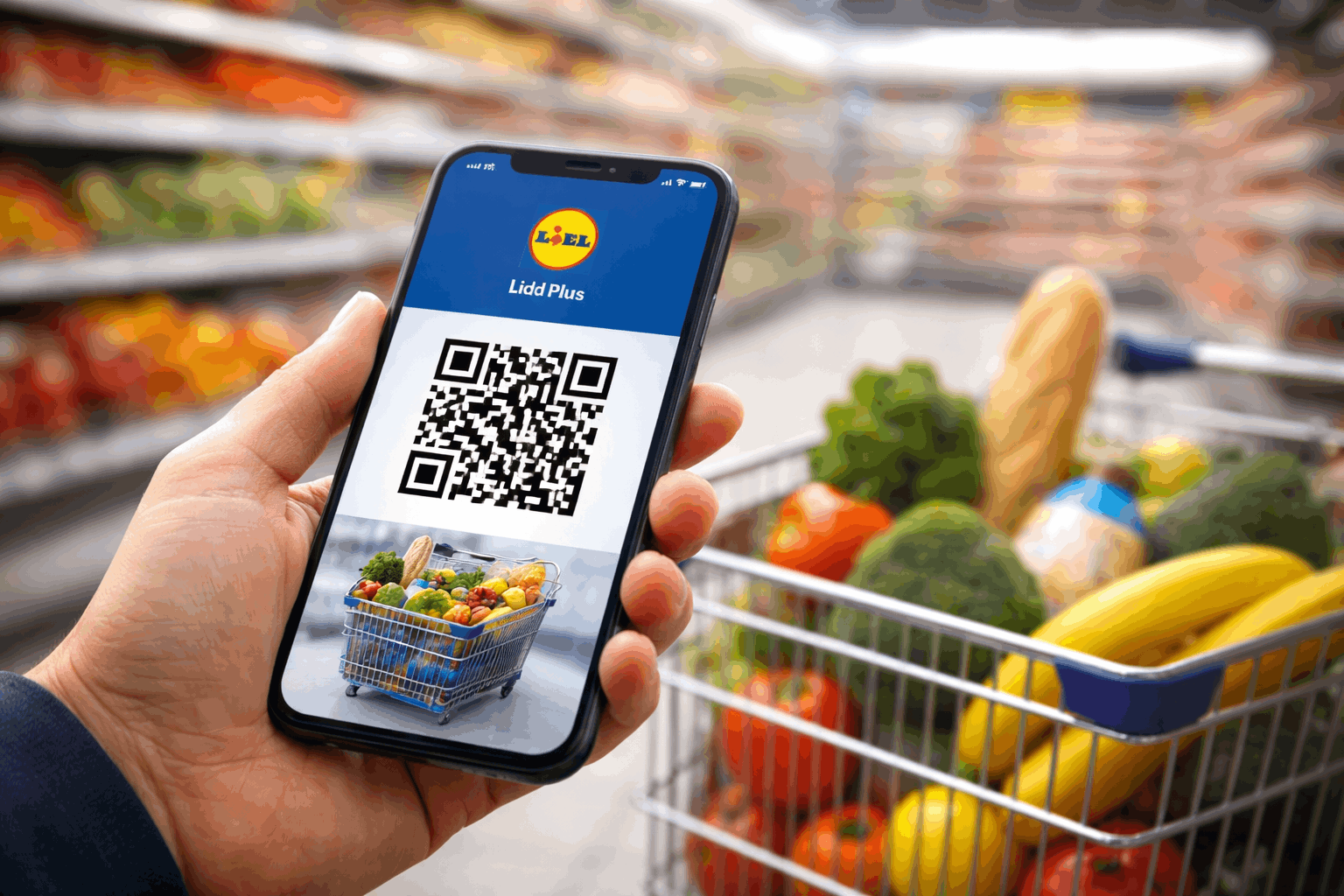
The Lidl Plus card is typically shown as a QR code in the app. You present it to the scanner at the till before you complete payment.
This scan is what links the transaction to your Lidl Plus account. Lidl Plus is mainly a loyalty and savings tool that runs through your phone.
If your country supports extra features like digital receipts or app-based payments, those features usually still depend on scanning your card.
If you pay with a bank card at checkout, your payment terms come from your card issuer, not from Lidl Plus.
Lidl Plus app download
A Lidl plus app download is normally done through the official app stores on your phone.
Using official stores matters because it helps you avoid fake apps and protects your login details.
After downloading, open the app and select the option to register. If you already have an account, choose log in instead.
How to create a Lidl Plus account
Open the app and choose Register. Enter your basic details as requested. Confirm your phone number if the app asks for verification.
Accept the required terms and privacy notices. Finish setup and stay logged in.
Once your Lidl Plus account is active, the digital card should appear in the app.
In many versions, the card is visible from the home screen as a card button.
How to activate and access your Lidl Plus Card
Most people mean “activation” as being able to display the card QR code and scan it at checkout.
To do that, log in to your account. Navigate to the card area in the app, open the card, and confirm the QR code loads clearly.
If you cannot see the card, try these basic fixes first:
- Close and reopen the app.
- Confirm you are logged in (not logged out).
- Update the app to the latest version available to you.
- Restart your phone if the app is frozen or the card will not load.
How to use the Lidl Plus Card at checkout
Using the Lidl plus card is simple once you do it in the right order.
Open the app before you reach the payment step. Tap the card button to display the QR codend present the code to the scanner at the till.
Wait for confirmation that the scan worked. Pay using your chosen method (cash, bank card, or other supported methods).
If your country uses coupon activation, activate your coupons before checkout.
Coupons, discounts, and digital receipts
Lidl Plus savings usually depend on two actions:
- You activate coupons or offers in the app when required.
- You scan your card at checkout so the system can apply them.
Digital receipts are also commonly tied to scanning. In some regions, you may need to enable a digital receipt option in the app.
If that option is missing, it can be due to an outdated app version or feature availability in your market.
Quick check before shopping
Open the app and confirm you are logged in.
Activate the coupons you want to use.
Confirm your QR code loads fast and clearly.
Common problems and practical fixes
Consider:
The QR code will not scan
Increase screen brightness and clean your screen and remove heavy glare.
Hold the phone steady and let the scanner read it. Close and reopen the card screen to refresh the code.
The app is slow or crashes in-store
Update the app before your next trip. Restart your phone if the app is unstable.
Avoid running many heavy apps in the background while shopping.
Your coupons did not apply
Check if you activated the coupon before checkout.Confirm the Lidl plus card was scanned successfully.
Review whether the coupon has product, store, or time limits in your app.
You cannot access your account
Use the app’s password reset or login help flow. Confirm you are using the same phone number you registered with.
If access is still blocked, contact Lidl customer support in your country.
Lidl Pay and how it relates to your bank card
In some countries, Lidl Plus includes an app-based payment feature often referred to as Lidl Pay.
If it is available where you shop, it usually works by enabling a payment option in the app and using a time-limited code or QR flow at checkout.
Even when you use an in-app payment feature, your underlying payment card is still connected to a financial institution.
If you have questions about charges, authorizations, refunds, or disputes, you typically need to contact your card issuer as well as Lidl.
Interest rates and fees
The Lidl plus card is not a credit product. That means there is usually no interest rate (APR).
Interest rates apply only if you pay with a credit product that charges interest, such as a credit card issued by a bank.
Lidl Plus itself is not where interest is set.
Customer support phone numbers and addresses
Customer support and legal entity details depend on your country. Below are official contact examples that are commonly published by Lidl country sites.
Great Britain (example)
Phone: 0800 977 7766 (alternative: 0370 444 1234)
Address: Lidl Great Britain Limited, Lidl House, 14 Kingston Road, Surbiton, KT5 9NU, England
Ireland (example)
Phone: 1800 20 10 80 (alternative: +353 1 920 3010)
Address: Lidl Ireland GmbH, Main Road, Tallaght, Dublin 24, Ireland
Spain (example)
Phone: 900 958 311
Address: LIDL SUPERMERCADOS, S.A.U., C/ Beat Oriol, s/n, Pol. Ind. “La Granja”, 08110 Montcada i Reixac (Barcelona), Spain
If you are not in these countries, use the contact page on your local Lidl website to find the correct phone number and address for your region.
Conclusion
The Lidl Plus card works best when you treat it as a simple checkout step that links savings to your Lidl Plus account.
Download the Lidl Plus app, log in, and activate coupons before you shop so you do not miss discounts.
If something fails, update the app, refresh the card screen, and use your country’s Lidl support line for account or app issues.
Disclaimer: This article is for general information only and may not reflect every feature available in every country. Lidl Plus rules, offers, and app functions can vary by market and can change over time. Nothing here is financial advice, and any interest charges are determined by your bank or card issuer, not by Lidl Plus.